License
Activating
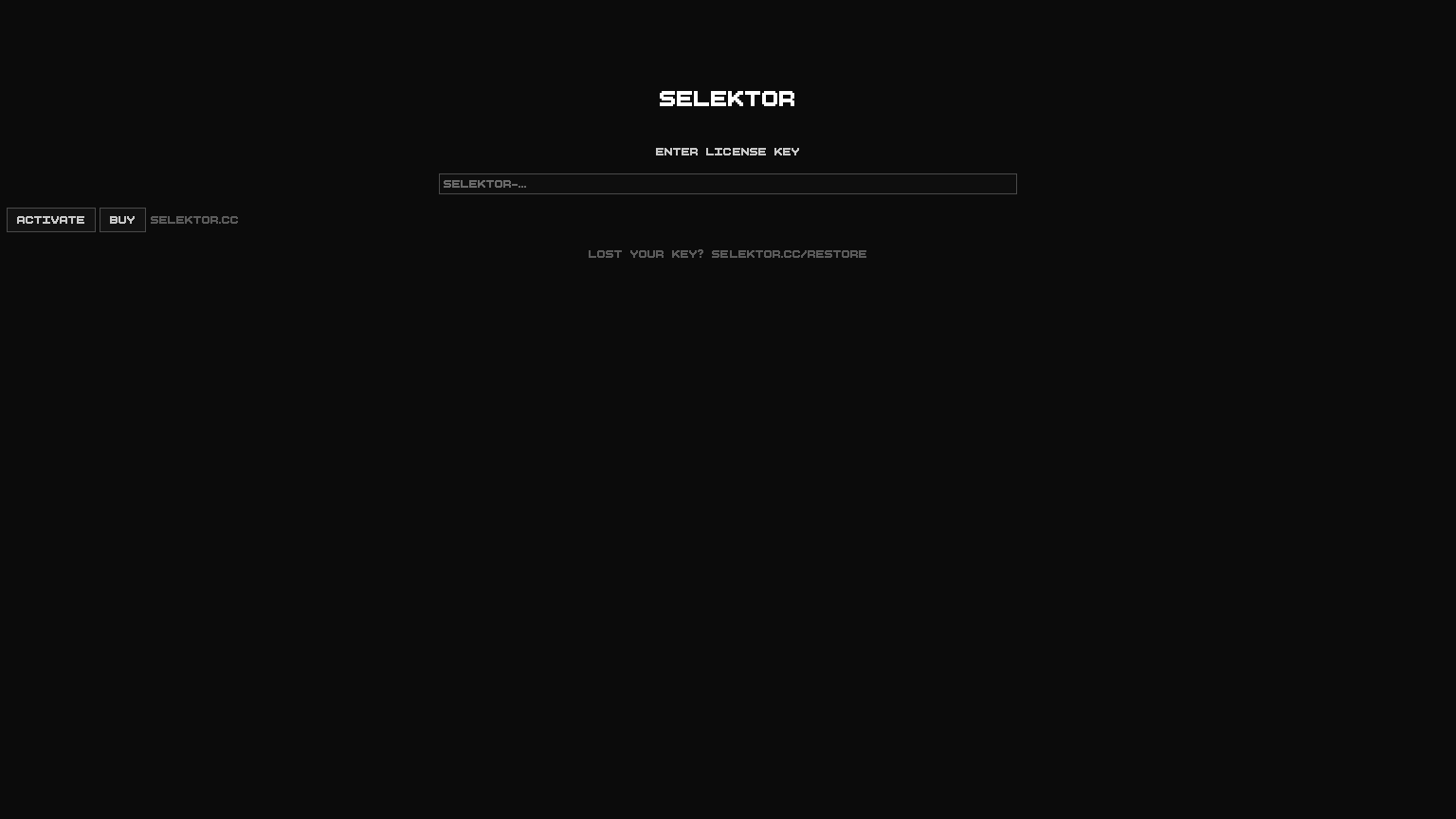
On first launch SELEKTOR shows only an activation screen. Paste the key from your
purchase email (it looks like SELEKTOR-…) with Ctrl+V (Cmd+V on macOS) and
press ACTIVATE.
How the key works
- The key is checked offline. No internet connection is needed to activate or to use the app.
- One key works on macOS, Windows and Linux.
- The key covers all 0.x and 1.x versions.
Lost your key?
Enter the email you used at checkout on the restore page and the key is sent to you again.
Where the key is stored
The key is saved in ~/.selektor-license in your home folder. On Windows that is
%USERPROFILE%\.selektor-license. Copying this file to another computer of yours
activates it as well.